Satellite Messengers in the Bootheel
In New Mexico’s Bootheel, a ride can take you well beyond reliable cell service, and a breakdown or injury can turn a quiet outing into a stressful wait for help. A satellite messenger gives you a way to send messages or an emergency alert when a phone cannot connect. This guide explains how to choose, prepare, and use one responsibly on an ATV or UTV trip.
Why a satellite messenger matters in the Bootheel
Cell coverage is not a reliable safety plan
The Bootheel’s wide-open, remote country is part of its appeal. Riders may travel far from towns, paved roads, and other people, and a route that looks straightforward on a screen can feel very different when you are dealing with a flat tire, a mechanical problem, or an injured passenger. In those circumstances, being unable to call or text for help can add a serious layer of uncertainty.
A smartphone is still useful for navigation, photos, and ordinary calls where service is available. But having a phone in your pocket does not mean you will have a connection throughout a ride. Coverage can vary with terrain, distance from infrastructure, and the specific network. Plan as though you may lose service, rather than assuming you can call once you need to.
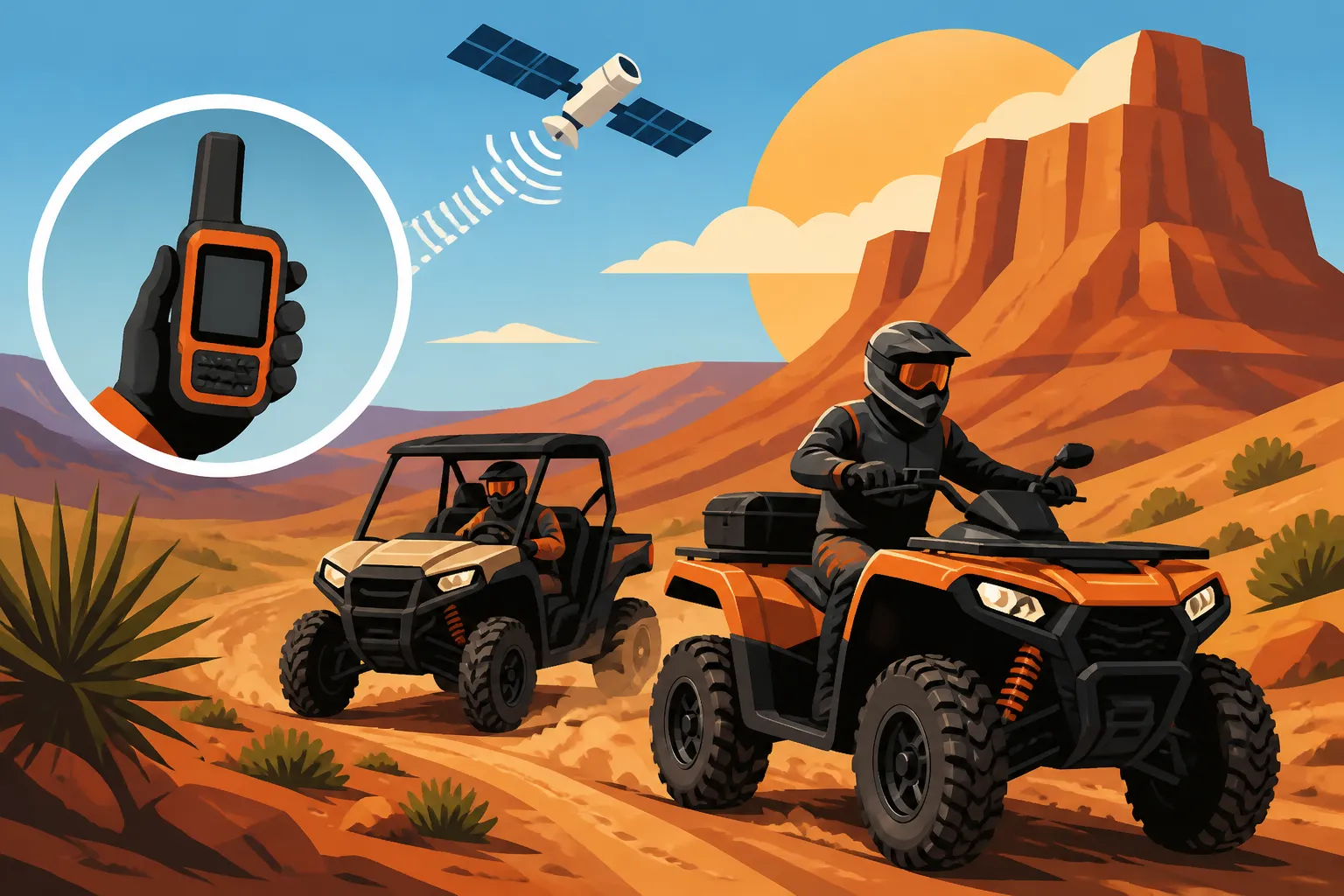
A satellite messenger uses satellite communication instead of relying on a nearby cellular tower. Depending on the device and service, it may allow two-way messaging, location sharing, or an emergency SOS alert. Those features are not interchangeable: a simple emergency beacon may send an alert without giving you the same ongoing conversation options as a two-way messenger. Check what your particular device can do before you leave.
What a messenger can and cannot do
A satellite messenger can help you communicate when cellular service is unavailable, but it is not a substitute for preparation or a guarantee that rescuers will arrive immediately. An SOS alert can initiate an emergency response through the device’s service, while your location and follow-up messages may help explain what has happened. Response depends on the situation, your location, the information you can provide, and the people coordinating assistance.
The device also needs conditions that allow it to communicate. A clear view of the sky generally helps; being under heavy cover, in a narrow canyon, or next to a steep slope may make sending or receiving a message more difficult. If a message does not go through, move to a more open spot if it is safe to do so, position the device according to its instructions, and wait for confirmation rather than assuming it transmitted.
A messenger is one part of a layered plan. Carry water, basic repair supplies, a first-aid kit, and navigation tools; tell someone where you intend to ride and when you expect to return. For broader preparation, review Breaking Down Far From a Road and Carrying Water in the Southern Desert. Those considerations still matter when you own a satellite device.
Choosing and preparing a device
Match the device to the kind of help you might need
Before buying or packing a messenger, think about how you ride. A solo rider may value being able to send a quick check-in or explain a problem. A group travelling together may still want a device because riders can become separated, or one machine may be unable to continue. If you usually ride with a passenger, consider whether that person knows how to use the device too.
Compare the communication options, not just the device’s size or appearance. Ask whether it supports two-way messages, whether it can share your location with chosen contacts, how an SOS alert is started, and how it signals that a message has been sent. Read the instructions for cancelling an accidental SOS and communicating with the response center. These are awkward details to learn during an emergency.
| Need | What to check before a ride |
|---|---|
| Emergency alert | How to start an SOS and how the device confirms it was sent |
| Two-way communication | Whether you can exchange messages or only send a one-way alert |
| Location sharing | How often your position can be shared and with whom |
| Battery life | Whether the expected battery life fits your trip, including delays |
| Usability | Whether you can operate it with dusty hands, gloves, or stress |
| Service requirements | Whether activation or a service plan is needed for the features you intend to use |
Some smartphone models and services offer satellite-based emergency features. They may be useful as an additional option, but do not assume they work exactly like a dedicated messenger. Check the specific phone’s capabilities, setup steps, and coverage conditions, and make sure every rider knows how to use the feature before heading out.
Set it up before you leave home
A device that is uncharged, unregistered, or unfamiliar is a poor backup. Set it up well before ride day. Complete any required activation, review the service terms, install available updates, and test ordinary messaging according to the manufacturer’s directions. Confirm that your emergency contact information is accurate and that the people listed as contacts know they may receive a check-in or alert.
Then practise using the controls. Find the SOS button, learn how to send a routine message, and check how the device displays a pending or failed transmission. If the interface is confusing at home, it will feel worse when you are tired, cold, injured, or trying to help someone else. If you ride with family or friends, take turns explaining the basic steps so the device is not usable only by the person who packed it.
Charge the messenger fully, pack its charging cable or backup power source if appropriate, and keep it somewhere accessible. A device buried beneath tools and spare clothing may be difficult to reach quickly. Protect it from dust and impact in line with its instructions, but do not stow it in a way that blocks its antenna or makes the controls impossible to use.
Planning routes and communicating clearly
Share a useful route plan before you ride
A contact at home cannot help much if they do not know where you went or when to worry. Before leaving, provide a simple plan: the general riding area, your intended route or destination, who is in the group, what machines you are using, and your expected return time. Agree on a check-in schedule and what the contact should do if you miss it. Avoid vague plans such as “somewhere near the desert.”
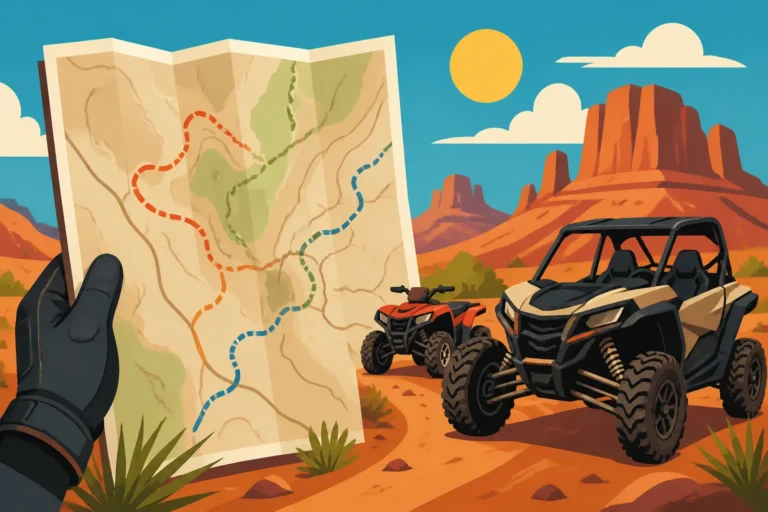
Offline maps can help you understand where you are when cell service disappears, but they do not replace land-access checks or a communication device. onX Offroad can be one planning tool for viewing routes and saving map information for offline use. Before relying on any app, download the relevant maps in advance and confirm that the area is available offline on your device. Do not treat a displayed line as proof that a road or trail is open to OHVs or that you have permission to use it.
It can also help to share a route screenshot or a written description with your contact, rather than relying on them to interpret your live location. With onX Offroad, riders can review the planned route before the trip and make sure everyone understands the intended direction. Still, check current land access and route restrictions separately. For guidance on those distinctions, see [New Mexico Rules for Riding BLM Land] and State Trust Land and Its Own Permit.
Use check-ins that are short and specific
A routine check-in can be simple: “We are together, continuing toward the planned stop, and everyone is okay.” If you are delayed, say whether the delay is due to a mechanical issue, weather, navigation, or a change in plans. A clear message helps your contact avoid guessing whether you are simply running late or dealing with something more serious.
If you need help but it is not a life-threatening emergency, explain what assistance you need and where you are. For example, say that a machine will not start, whether anyone is injured, and whether the group can safely wait at its current location. If the messenger supports location sharing, include or confirm your position through its normal process. Keep messages concise, especially if the device has a limited interface or sending conditions are poor.
Use the emergency function for a genuine emergency, and follow the device’s instructions carefully. If you activate it by mistake, use the prescribed cancellation process and communicate clearly with the response service. Do not assume that turning the device off or leaving the area cancels an alert.
Using a messenger safely on the ride
Keep it accessible and conserve power
Carry the messenger on your person or in a place you can reach if you are separated from your machine. A device strapped to a UTV may be useless if you walk away from the vehicle after a breakdown. Likewise, do not hand the only messenger to one rider and then split the group without agreeing on who carries it.
Battery life is affected by settings, usage, temperature, and how often the device communicates. Start with a full charge, choose a check-in schedule that suits the trip, and keep an eye on the battery indicator. If you are riding for longer than planned, conserve power where appropriate—but do not disable a safety feature you expect to rely on without understanding what changes.
Give the device a chance to send. In an open area, place it where it has a good view of the sky and follow the manufacturer’s directions. If the terrain obstructs communication, move carefully to a safer, more open location if conditions allow. Do not ride into a hazardous area just to improve signal; a stable, safe position matters more than chasing a better transmission spot.
Have a plan for a delay, injury, or separation
If a rider is hurt, first make the scene as safe as possible. Stop other machines, protect the injured person from immediate hazards, and assess what help is needed. Use the SOS function when the situation calls for emergency assistance. If it is safe and the device allows it, send follow-up details: the nature of the injury, the number of people involved, and any immediate hazards rescuers should know about.
For a mechanical problem without an injury, decide whether the group can safely repair the machine, return together, or needs outside help. Keep the group together unless there is a clear reason to separate. If someone must leave to seek help, agree on the route, the person staying with the disabled machine, and the time for another check-in. A satellite messenger can make these decisions easier to communicate, but it cannot prevent confusion if the group has not made a plan.
Desert conditions can change a manageable delay into a more serious problem. Dust may affect visibility, heat can increase dehydration risk, and weather or fire restrictions may affect where you can ride. Check conditions and closures before departure, and adjust the route instead of pressing on when circumstances change. Useful background includes Dust and Visibility on a Desert Trail, New Mexico Fire Season and Trail Closures, and Fuel Range Between Desert Towns. onX Offroad may help you review your planned route and identify where you expect to travel, but carry a backup navigation method and do not depend on a phone or app as your only way to communicate.
A practical pre-ride checklist
Before setting out, run through this short routine with everyone in the group:
- Charge and test the messenger, and confirm that its intended functions are active.
- Make sure each rider knows where it is and how to send a check-in or SOS.
- Share the route, group details, and expected return time with a trusted contact.
- Agree on when to check in and what the contact should do if a check-in is missed.
- Download maps and confirm route access before cell service becomes unavailable.
- Pack water, first aid, basic repair supplies, and any needed power backup.
- Reassess the plan if weather, fire restrictions, vehicle condition, or rider comfort changes.
A satellite messenger is most helpful when it is part of a plan everyone understands. Set it up before the trip, keep it within reach, and practise using it in ordinary circumstances. That way, if a Bootheel ride takes an unexpected turn, you are not trying to learn the device at the same time you are trying to solve the problem.
Disclaimer
This article is for general informational purposes only and does not constitute professional advice. Laws, prices and regulations vary by location and change over time. Consult a qualified professional for guidance on your specific situation.